

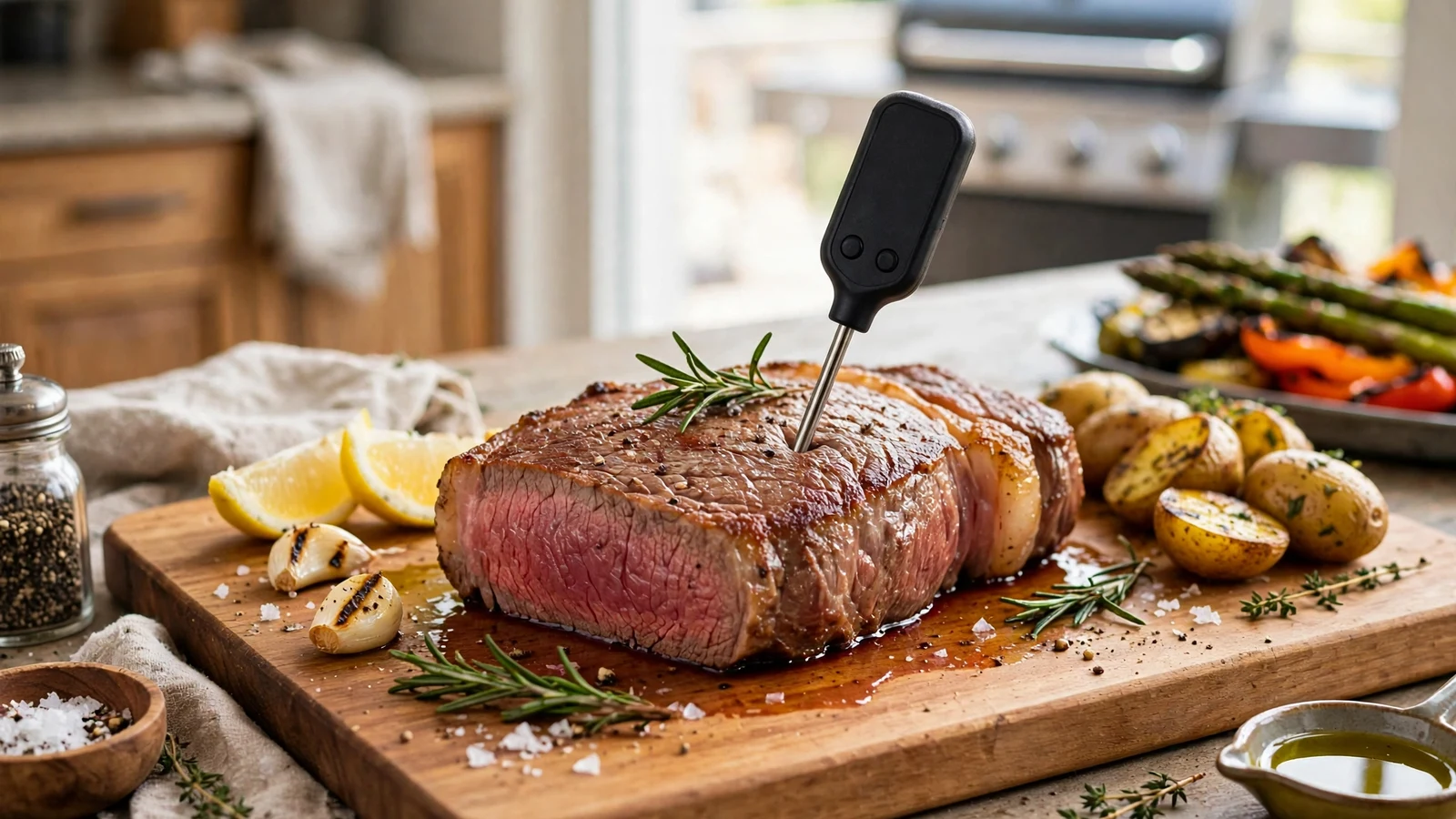
Waiting by a hot grill while your digital readout creeps upward can test anyone’s patience, especially when wondering why does my meat thermometer take so long to settle on a final number. A sluggish device ruins your workflow and risks overcooking a delicate steak or serving undercooked poultry.
This breakdown explores the mechanical and environmental culprits behind slow temperature readings. You will discover how sensor design, battery health, and technique all contribute to lag, along with actionable ways to speed up your kitchen routine.
Understanding the Anatomy of a Temperature Sensor
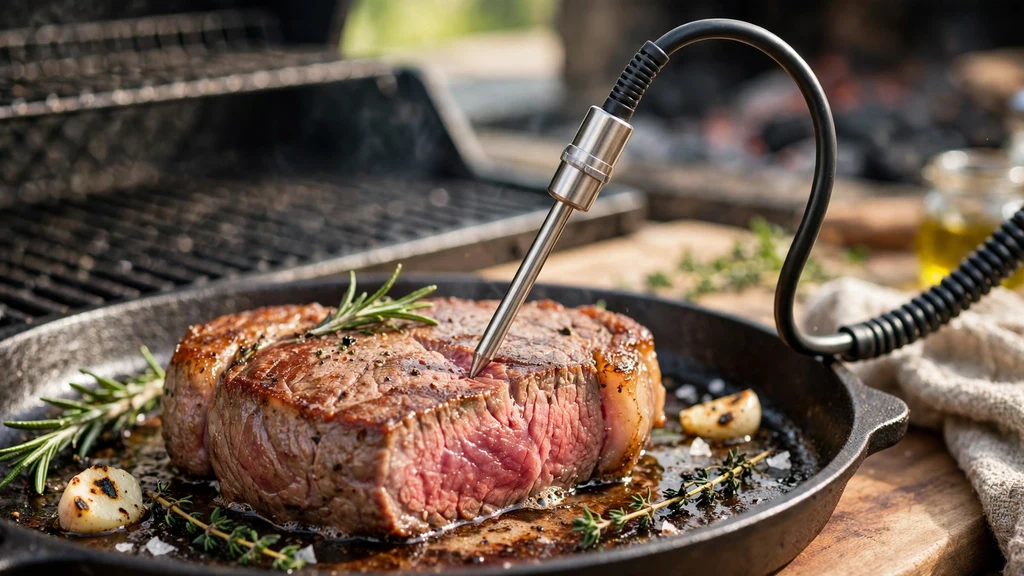
Every digital meat thermometer relies on a tiny electrical component tucked inside its steel shaft. Thermistors and thermocouples change their electrical resistance based on heat. When you wonder why does my meat thermometer take so long, the answer often starts right at this sensing junction.
Cheap models use thick, bulky probes that hold onto ambient air or cold exterior fat. Because metal conducts thermal energy at a set physical rate, a thick shaft takes longer to heat up to the actual internal temperature of your steak or roast.
Premium kitchen gadgets narrow down to a razor-thin tip, placing the actual sensor right where it matters most. If your tool features a wide metal rod, expect a frustrating wait while the steel absorbs enough heat to register a change.
The Critical Importance of Sensor Placement
Stabbing a piece of meat at random angles guarantees erratic data. The sensor needs to sit squarely in the densest part of the food, away from fat pockets and direct bone contact. Bone conducts thermal energy differently than muscle fibers, which confuses the sensor and prolongs the stabilization process.
Hitting a pocket of cold air or punching straight through the bottom of the burger patty into the hot pan skews the results. When the digital display refuses to lock in, check your depth.
You want the very end of the probe right in the geometric center of the roast. If you misjudge the placement, the digital processor tries to average out wildly different thermal zones, making the screen crawl at a snail’s pace.
Battery Drain and Voltage Drops
Electronics require steady voltage to process micro-voltages from temperature sensors quickly. A fading coin-cell battery or draining AAA batteries will not immediately shut your device down. Instead, low power slows down the internal microprocessor and reduces the refresh rate of the LCD screen.
If your display looks dim or takes a few seconds to wake up, swap those batteries immediately. Many home cooks overlook this simple fix, blaming the sensor wire when the root issue is just a starved circuit board. Fresh power restores lightning-fast processing speeds, letting you get an accurate reading in under three seconds.
Thermal Mass and Conduction Friction
Physics dictates that transferring thermal energy takes time. When you shove a room-temperature metal rod into a 200-degree pork shoulder, that metal acts as a heat sink. It temporarily cools down the immediate area surrounding the tip.
The meat must then reheat the metal rod before the sensor can read the actual surrounding tissue. This thermal lag is the primary reason budget gadgets stall out halfway to your target.
To explore how heat transfers through different materials, you can read more about thermal measurement standards to understand the science of heat absorption. Thinner shafts minimize this localized cooling effect, letting the device match the surrounding food almost instantly.
Calibration Drift and Sensor Damage
Dropping your favorite kitchen tool on a tiled floor or running it through a high-temperature dishwasher cycle wrecks delicate internal wiring. Damage to the thermocouple junction causes erratic signal transmission. When the internal circuit suffers microscopic fractures, resistance values bounce around uncontrollably.
This instability forces the digital smoothing algorithm to work overtime. Instead of showing a number immediately, the screen flickers or climbs in tiny, agonizing increments. If a device that used to be fast now takes forever, internal damage or severe calibration drift is usually to blame.
Common signs of permanent sensor degradation include:
- Readings that drift endlessly without ever stabilizing.
- Stuck numbers that refuse to change when moved to a different environment.
- Physical warping along the stainless steel shaft.
- Error codes flashing intermittently on the LCD screen.
Choosing the Right Tool for the Job
Not all kitchen monitoring devices are built for the same tasks. Traditional dial models take up to thirty seconds to react because they rely on a coiled bi-metallic strip that expands slowly. Using a mechanical dial for quick checks on thin chicken breasts is a recipe for disaster.
Instant-read digital models use advanced microchips to calculate the final temperature slope long before the metal reaches total equilibrium. Upgrading from an old-school dial to a modern thermocouple changes your cooking experience overnight. The table below highlights how different designs stack up against each other.
| Thermometer Type | Average Response Time | Best Used For |
|---|---|---|
| Bi-Metallic Dial | 15 to 30 seconds | Deep frying and large roasts |
| Digital Thermistor | 5 to 10 seconds | General baking and stovetop cooking |
| Professional Thermocouple | 1 to 3 seconds | Steaks, quick grilling, and thin cuts |
Technique Tweaks to Speed Up Readings
Changing how you approach the cooking surface makes a noticeable difference in response times. Never leave a standard instant-read device sitting inside a blazing oven grill. The excessive ambient heat damages the plastic housing and confuses the internal electronics.
Instead, pull the meat away from direct flames for a brief moment before inserting the metal shaft. Inserting the rod parallel to the cut rather than straight down minimizes the surface area exposed to outside air. Taking these small precautions lets the sensor reach equilibrium much faster, saving you valuable seconds when searing over high heat.
Preventing Common Measuring Mistakes
Rushing the process often leads to undercooked meals or ruined cuts of meat. Avoid the temptation to pull your food based on a sluggish, half-settled number. Give the electronics a fair chance by keeping your equipment clean and free of burnt-on grease.
Built-up carbon residue acts as an insulator, slowing down heat transfer to the metal shaft. Wipe your gear down with warm soapy water after every single session. Maintaining clean equipment ensures lightning-fast performance whenever you need to check your dinner.
Frequently Asked Questions
Why is my meat thermometer so slow?
A sluggish response usually stems from a thick probe shaft, low battery voltage, or using an older bi-metallic dial model instead of a modern thermocouple.
How long should a meat thermometer take?
A high-quality digital thermocouple should provide a stable, final reading in two to three seconds. Slower digital models may take up to ten seconds.
Can I leave a meat thermometer in the meat while it cooks?
Only if you are using a dedicated leave-in probe designed for ovens and smokers. Standard instant-read digital devices will melt or break if left inside high heat.
How do I tell if my meat thermometer is accurate?
Submerge the tip in a cup packed with crushed ice and water to test for 32 degrees Fahrenheit, or use boiling water to check the 212-degree mark.
Conclusion
Dealing with a sluggish kitchen gadget gets old fast, but understanding the mechanical reasons behind the delay helps you fix the issue. Whether you need to swap out dead batteries or upgrade to a faster thermocouple, small changes make a huge difference in your cooking confidence. Next time you find yourself wondering why does my meat thermometer take so long, check your technique, clean the probe, and enjoy perfectly cooked meals every time.