

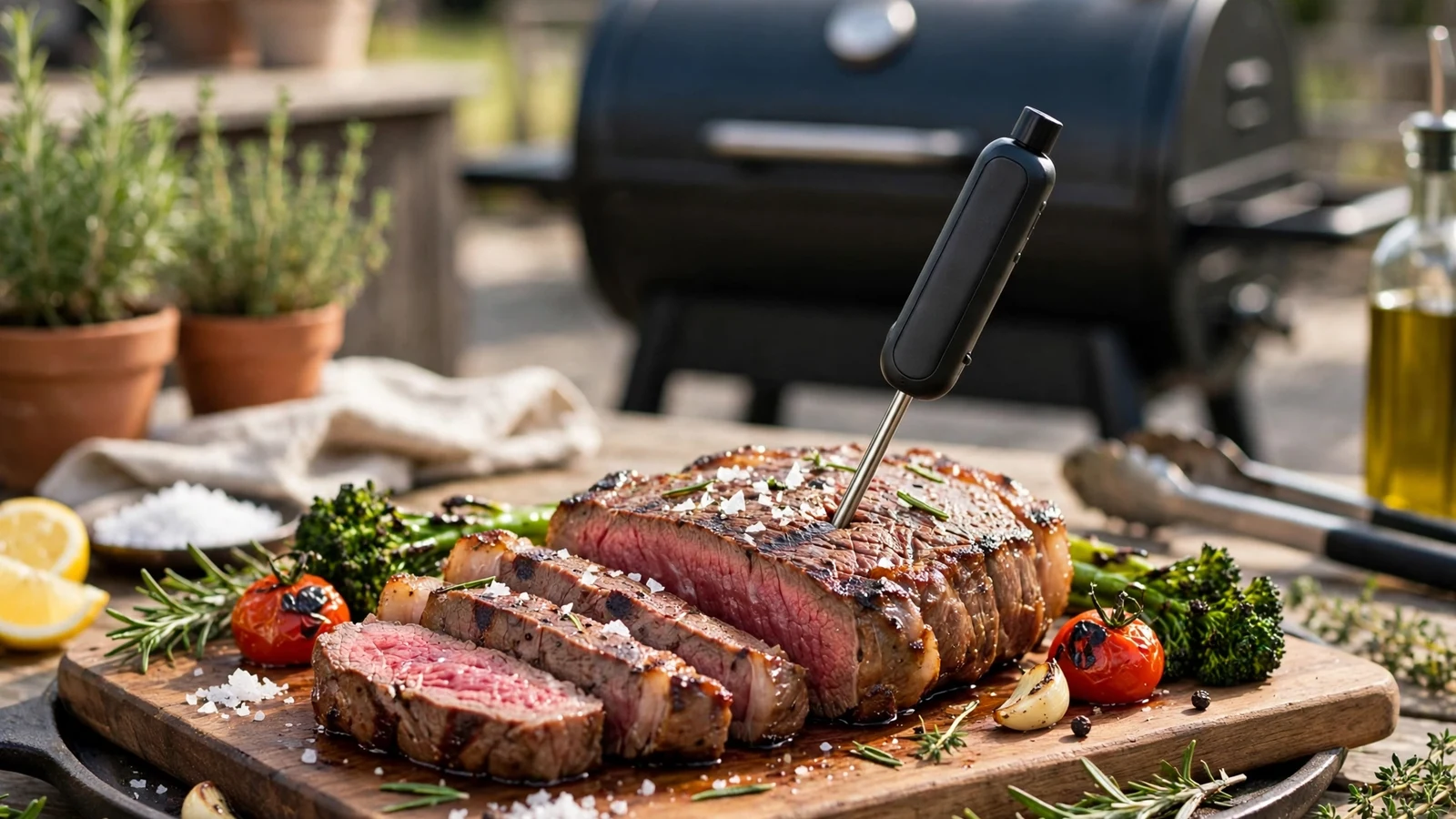
Mastering how to use traeger wireless meat thermometer setups changes the way you approach long, slow cooks. You won’t have to guess when your brisket or pork shoulder is done anymore.
Getting comfortable with wireless temperature monitoring gives you the confidence to walk away from your smoker. You can hang out with guests or prep side dishes without constantly running back to check the lid. Let’s look at how to set up, pair, and rely on your new gadget so every meal comes out juicy and tender.
Unboxing and Understanding Your Traeger Wireless Equipment
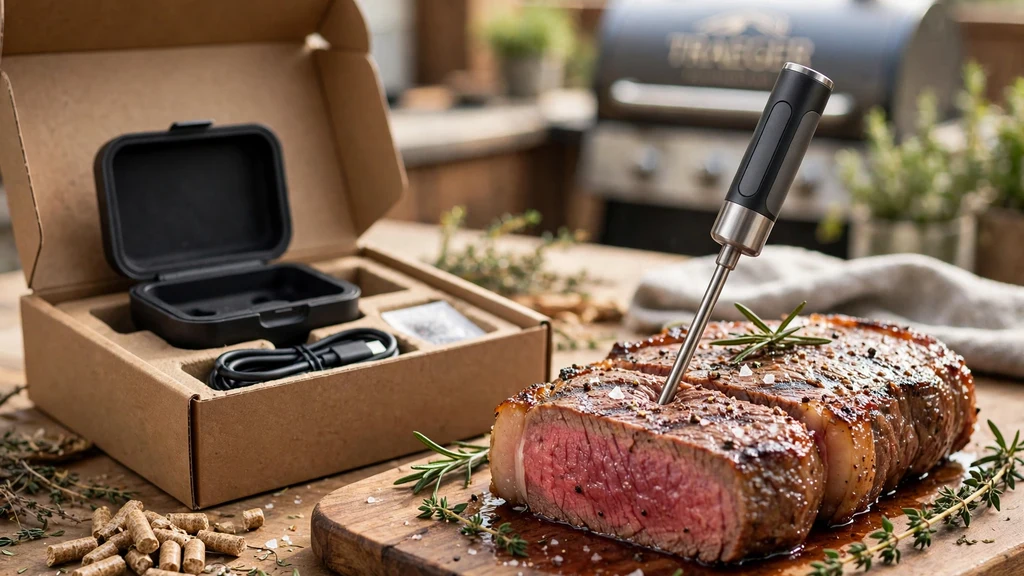
Your new wireless gear arrives with a few specific pieces that all need to work together. Inside the box, you’ll usually find the stainless steel probe, a charging base, and sometimes an extra clip or repeater depending on the model. The charging dock acts as both a storage case and a power source to juice up the internal battery between cooks.
Most modern Traeger accessories rely heavily on bluetooth technology to talk to your phone. The hardware itself features a durable ceramic handle and stainless steel construction designed to withstand high ambient heat inside the smoker.
Before you fire up the grill, make sure your device sits in the dock long enough to get a full charge. A dead battery will drop your connection right in the middle of a twelve-hour pork butt cook.
Pairing Your Device with the Traeger App
Getting your hardware connected to your smartphone requires a few simple taps on your screen. First, download the traeger app from your device’s app store and log into your account. Pull the probe out of the charger, which automatically wakes it up and puts it into pairing mode.
Open the app menu and navigate to the connected devices section to add your new thermometer. Select your specific model from the list of compatible units and follow the on-screen prompts.
Once paired, you can wirelessly monitor your cooks from anywhere inside your house. If you run into connection drops, check that your phone’s bluetooth is turned on and that you aren’t too far away from the smoker.
Proper Insertion Techniques for Accurate Readings
Where you put the tip of your steel sensor matters more than almost anything else in outdoor cooking. You want to insert the sharp end directly into the center of the thickest part of the meat. Avoid letting the tip touch any bones, heavy fat pockets, or gristle, because those areas conduct heat differently and give you false high readings.
For poultry, push the metal into the deepest part of the breast or thigh without hitting the bone. With large beef cuts like a brisket or chuck roast, aim for the middle of the flat muscle.
Getting this placement right ensures your gauge reads the true internal temperature instead of just the hot air surrounding it. Take a look at the guidelines below for typical placement rules:
- Always avoid direct contact with hard bone structures.
- Center the tip in the deepest muscle mass.
- Push the sensor past the safety notch marked on the metal shaft.
- Keep wires away from direct open flames if you are using a hybrid corded model.
- Double-check depth before closing the grill lid.
Connecting to WiFIRE and Smart Grills
If you own a high-end pellet smoker like a timberline ironwood model, your setup integrates directly with the main grill computer. These advanced units feature a built-in touchscreen and rely on wifire to broadcast your data anywhere you have internet. You can track your target goals right from the main grill display or your phone screen simultaneously.
Make sure your pellet grill is connected to your home Wi-Fi network during the initial setup phase. This step links your smart accessories directly to the cloud, extending your monitoring range far beyond normal bluetooth limits.
You will get alerts when your food hits specific milestones, letting you manage your time efficiently. For deeper technical specifications on smart cooking technology, you can check out resources like the National Sanitation Foundation for food safety standards.
Setting Custom Target Temperatures and Alerts
Knowing when to pull your food off the grates is an art, but your device turns it into an exact science. Open up your app menu and select your desired target for whatever protein you are smoking. Different cuts require different finishing points to render fat properly and stay juicy.
You can set custom high and low alerts for both the food and the ambient smoker temperature. If your pellet hopper runs low or a wind gust drops your pit heat, your phone will buzz immediately. This feature prevents ruined dinners and gives you total peace of mind during overnight cooks.
Cleaning and Maintaining Your Wireless Probe
After a long smoke session, your stainless steel hardware will be coated in sticky grease, bark, and smoke residue. Let the metal cool down completely before you attempt to clean it. Never plunge a hot sensor straight into ice-cold water, because the sudden thermal shock can crack the ceramic handle and ruin the electronics.
Wash the metal shaft gently using warm, soapy water and a soft sponge. Avoid putting the entire unit in an automatic dishwasher, as the harsh detergents and high heat can damage the internal transmitter. Wipe the charging dock with a damp cloth, and store your equipment in a dry place until your next weekend barbecue.
Comparing Traeger Options and Alternative Brands
Choosing the right monitoring tool depends on your budget and how often you plan to smoke large cuts of meat. Traeger offers proprietary options, but many outdoor cooks also look at alternatives like the popular meater plus or the advanced meater pro series.
| Model Name | Connectivity | Max Ambient Temp | Best Used For |
|---|---|---|---|
| Standard Wireless Probe | Bluetooth & WiFIRE | 500°F | General pellet smoking |
| Meater Plus | Bluetooth Repeater | 527°F | Rotisserie and standard grills |
| Meater Pro | Bluetooth 5.0 | 550°F | High-heat searing and multi-sensor tracking |
When looking at the overall thermometer price, consider what features matter most to your cooking style. A higher price meater units command usually reflects better heat tolerance and extended range capabilities. Make sure whatever you buy is fully compatible with your specific grill series before purchasing.
Troubleshooting Common Connection and Reading Issues
Even the best technology can occasionally act up when dealing with thick metal smoker lids and electronic interference. If your app loses signal, try moving your charging dock closer to the smoker to act as a stronger signal repeater. Sometimes a simple app restart clears out temporary software glitches.
If your temperature readings bounce around wildly, check for battery health or make sure grease hasn’t fouled the connection points in the dock. Keeping your firmware updated through the official app prevents many common pairing bugs. A little patience during troubleshooting saves you from a ruined dinner.
Frequently Asked Questions
Can you use a Traeger wireless thermometer without a Traeger grill?
Yes, you can use these devices on any smoker, charcoal kettle, or kitchen oven. As long as your smartphone is within range to receive the bluetooth signal, the sensors function independently of the grill brand.
How do I clean my wireless meat probe safely?
Let the metal cool down to room temperature, then wash it with warm soapy water and a non-abrasive sponge. Avoid submerging the ceramic end completely or running it through a dishwasher.
Why is my probe reading a higher temperature than my pit?
If the sensor tip is placed too close to a hot surface or exposed directly to radiant heat without enough meat surrounding it, it will read ambient heat rather than internal food temperature.
How long does the battery last on a single charge?
Most wireless sensors offer between twenty and twenty-four hours of continuous cooking time on a single charge, which easily covers long brisket or pork shoulder cooks.
Conclusion
Learning how to use traeger wireless meat thermometer gear properly takes the guesswork out of outdoor cooking. By placing your sensors correctly, keeping your software updated, and trusting your app alerts, you will consistently serve perfectly cooked meals. Take your time with the initial setup, clean your equipment after every cook, and enjoy the freedom of monitoring your food from anywhere.